bKash Loan Calculator App — An online calculator is useful for understanding arithmetic, but cannot know a customer-specific bKash interest rate that has not been supplied by the lender. The official in-app offer is the authoritative source for the actual payment schedule.
Important: This is independent educational information, not a loan provider or a promise of approval. Verify the lender and your personal offer. Reviewed against publicly available official information on 7 November 2026.
bKash Loan Calculator App: Complete Guide
Why your official app is the reliable source
A third-party calculator can only estimate a loan if you enter the correct rate and schedule. bKash says customers see their applicable monthly rate during disbursement, while interest accrues on a daily basis.
Your personalized loan details are better evidence of your obligation than a generic “rate calculator app” with an assumed percentage.
Find the terms in the bKash app
Open the official bKash app, review the Loan option if available and inspect the financing institution, available amount, rate, repayment dates and applicable charges before acceptance.
Do not share your PIN or OTP with a calculator site, nor grant a calculator app access to your contacts or SMS.
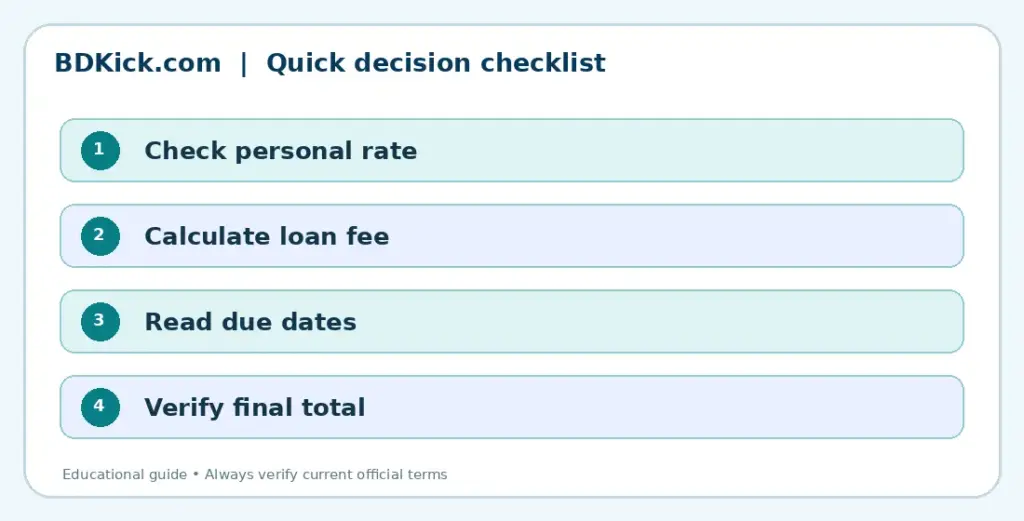
Compare calculator outputs carefully
An illustrative formula based on a fixed balance can overstate or understate an installment loan where principal decreases. Ask whether calculations use daily accrual and whether a fee is deducted upfront or added.
The official FAQ states a 0.575% processing fee. For a BDT 1,000 principal, that percentage represents BDT 5.75, excluding interest.
Why an example may differ from your bill
Examples based on an assumed rate or the published processing-fee percentage are not individualized quotes. Daily accrual, repayments, offer-specific dates and rounding can change the final amount. Confirm all figures in the official Loan Details screen.
Keep loan records and avoid scams
Save screenshots of the real terms (without sharing personal data publicly), check repayments after deductions and contact official support if a charge differs.
Avoid apps that promise to manipulate eligibility or demand login credentials.
Related BDKick guides
Continue with these related explanations after importing the full article pack:
- bKash Loan Interest Rate Calculator: How to Estimate Costs
- bKash Loan Interest Rate: How Rates and Charges Work
- City Bank Loan Through bKash: Interest Rate Explained
Official sources and further reading
Final guidance
The useful number is your actual total amount to repay, not an unverified “standard rate” published elsewhere. Check your personalized offer in the official app before borrowing.
Frequently Asked Questions
Do I need a separate calculator app?
Not necessarily; review the official bKash loan offer and loan details first.
Can a generic app show my exact rate?
Only if it uses your actual disclosed terms and calculation method.
Does bKash charge a processing fee?
Its official loan FAQ lists a 0.575% processing fee.