Cloudflare Blocking WordPress admin-ajax.php — A blocked AJAX call may stop a page builder from saving, interrupt an admin form or break an authenticated interaction. A precise diagnosis is safer than turning off a firewall for every visitor.
The following steps are intended for website administrators who can safely review their own configuration. Back up working settings before making security or mail-service changes.
Cloudflare Blocking WordPress admin-ajax.php: Complete Guide
Identify which security layer blocks the request
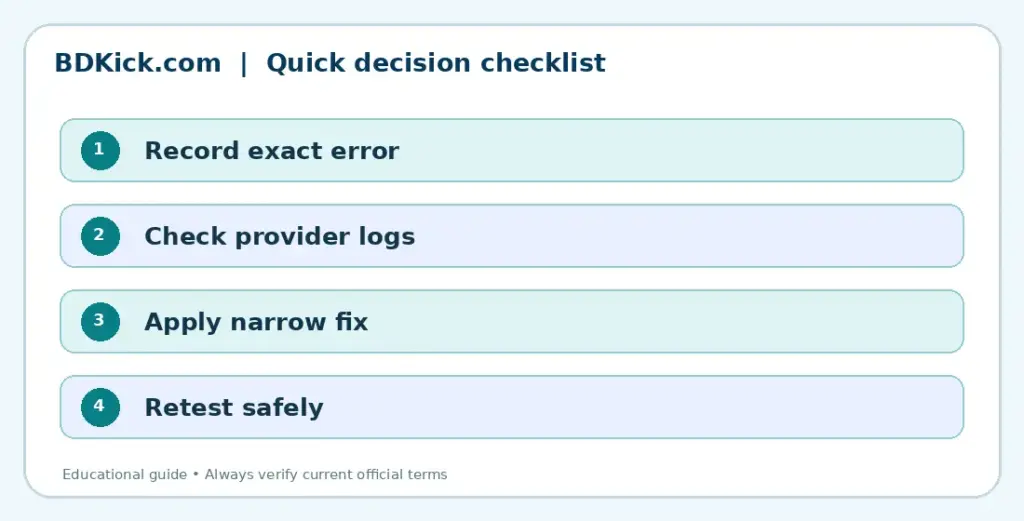
Open browser developer tools, reproduce the failed WordPress action and inspect the network request to /wp-admin/admin-ajax.php. Record the HTTP status, Ray ID if shown and the time. Cloudflare challenges, hosting ModSecurity rules, plugin security checks and WordPress nonces can all produce different failures.
If there is no Cloudflare Ray ID or matching security event, do not assume Cloudflare caused the block. Check the origin web server, plugin logs and the request payload before changing firewall settings.
Find the matching event in Cloudflare
Use Cloudflare Security Events to find the matching request by URL, action and timestamp. Identify whether a managed WAF rule, custom rule or rate limit triggered. Compare with an unaffected action to isolate the difference.
Do not disable the entire WAF or broadly allow everyone to access /wp-admin. Such changes create avoidable attack exposure.
Create the narrowest safe exception
If a specific false positive is confirmed, use Cloudflare’s supported skip-rule or rule-adjustment workflow for only the triggering rule and relevant admin path or trusted conditions. Retain protection for unrelated requests.
Test the exact editor-save, form-submit or AJAX action again after the change. Review any subsequent blocked attempts so the exception is not broader than necessary.
Record the result
Write down the original behavior, the setting changed and the result of one controlled retest. Avoid sharing account credentials, authentication tokens or client details in screenshots.
Check plugin and cache interactions
Clear appropriate application caches and confirm security plugins are not separately rejecting nonce or REST requests. If a login or session issue is involved, verify HTTPS redirects and cookies.
Document the rule ID and why the exception was added; reverse it if the plugin or theme later changes.
Related BDKick guides
Continue with these related explanations after importing the full article pack:
Official sources and further reading
Final guidance
Make the smallest necessary change, test it, and keep the secure configuration that works. If a provider-side restriction persists, share the exact non-sensitive error with that provider’s support team.
Frequently Asked Questions
Should I whitelist the entire admin-ajax.php path?
No. First find the exact false positive and skip only the relevant protection when justified.
Why does a 403 happen only for logged-in users?
A plugin action, session, security rule or request payload may differ after login.
Does Cloudflare always cause WordPress AJAX 403?
No. Origin security rules, plugins and expired nonces can also cause it.