A Node.js app that stops restarting after a cPanel account reaches its process limit needs diagnosis of the account limit and the application lifecycle—not repeated restarts. High process count can occur even when RAM usage appears moderate.
This guide focuses on the practical decision points for cpanel nodejs application cannot restart process limit. The examples are educational and should be adapted to your site, provider, client agreement or application requirements rather than copied without verification.
cPanel Node.js App Cannot Restart: Practical Guide
Before you start: gather the right information
Write down the current environment, version numbers or business requirements. For a live website, create a known-good backup and make potentially disruptive changes on staging first. For business documents, confirm the client, scope and acceptance criteria before using a sample.
Step-by-step walkthrough
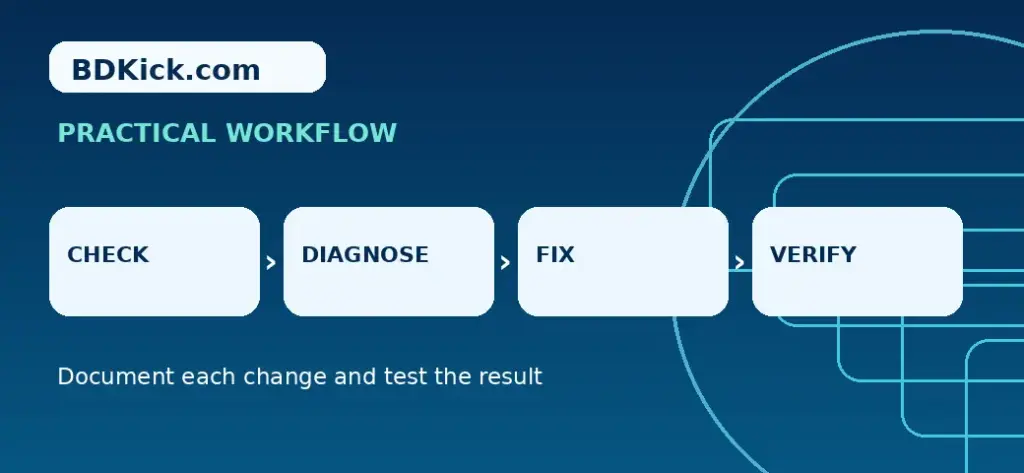
- Check the exact error, process count and timestamp in cPanel Resource Usage or the host’s resource dashboard.
- Confirm whether the limit is number of processes, entry processes, CPU, memory or inode capacity rather than assuming it is RAM.
- Inspect the app logs and deployment settings for repeated crashes, background workers or unintended duplicate starts.
- Check whether cron jobs, other sites and PHP workers in the same account are contributing to the process count.
- Ask hosting support to identify current per-user process limits and help stop orphaned processes if shell access is unavailable.
- Restart or redeploy only after the resource condition is corrected, and test the app health and database connection.
- If normal workload consistently exceeds shared-hosting limits, evaluate a managed VPS with explicit memory, process, backup and support scope.
Worked example or reference template
Support request template
Our Node.js application fails to restart. cPanel reports the process limit reached while memory remains below its allocation. Please confirm which account-level limit was hit, identify the main process groups and advise whether any stale processes can be safely cleared. We can provide sanitized application logs and the failure timestamp.
How to verify the result
Check the output from the perspective of the person who will use it. Test the critical workflow, note what was changed and preserve enough evidence to reverse a failed update. For public-facing sites, repeat the check while logged out and on a mobile browser. For templates, verify totals, wording and payment or ownership terms before sharing.
Common mistakes to avoid
- Do not promise that a VPS alone fixes a code-level process leak.
- Do not kill unknown processes on a shared system.
- Do not publish environment variables or log secrets.
Related BDKick tutorials
For the next step, see Cloudflare DNS Records for cPanel Email: MX, SPF and DKIM, WordPress Mixed Content After Cloudflare SSL: Safe Fixes. These pages are part of the same article batch; publish the linked posts before promoting this page.
Official documentation and references
Frequently asked questions
Why is process usage 100% when RAM is not?
Process and memory quotas measure different things; either can block new processes.
Can I resolve this without SSH?
Often the host must inspect processes and logs when command-line access is unavailable.
Does Restart update environment variables?
Not always; newer cPanel Web Apps documentation distinguishes restart from redeploy.
When is VPS migration justified?
When recurring legitimate workload exceeds shared account limits after app-level issues have been addressed.
Final checklist
Confirm the instructions match your specific environment, save a backup or clean document copy, test the main outcome and record any remaining risks. If you are publishing technical guidance, revisit it after major product updates.
Frequently Asked Questions
Why is process usage 100% when RAM is not?
Process and memory quotas measure different things; either can block new processes.
Can I resolve this without SSH?
Often the host must inspect processes and logs when command-line access is unavailable.
Does Restart update environment variables?
Not always; newer cPanel Web Apps documentation distinguishes restart from redeploy.
When is VPS migration justified?
When recurring legitimate workload exceeds shared account limits after app-level issues have been addressed.