A WordPress launch checklist helps prevent the small mistakes that create large problems after a site becomes public: wrong URLs, blocked indexing, broken forms and missing backups. The list below can be printed or saved as a PDF from your browser.
This guide focuses on the practical decision points for wordpress website launch checklist pdf. The examples are educational and should be adapted to your site, provider, client agreement or application requirements rather than copied without verification.
WordPress Website Launch Checklist: Practical Guide
Before you start: gather the right information
Write down the current environment, version numbers or business requirements. For a live website, create a known-good backup and make potentially disruptive changes on staging first. For business documents, confirm the client, scope and acceptance criteria before using a sample.
Step-by-step walkthrough
- Confirm the final domain, SSL certificate and WordPress Address/Site Address use the intended HTTPS URL.
- Remove staging-only passwords, test accounts and public development pages without deleting required production access.
- Check Settings → Reading and verify that search engines are not discouraged from indexing the live site.
- Test every critical form and email notification with real recipient addresses.
- Test navigation, header, footer, mobile menus and the checkout journey if the site sells products.
- Run accessibility checks for labels, keyboard use, image alt text and contrast.
- Verify sitemap, canonical links, robots directives, analytics consent requirements and important redirects.
- Create and restore-test a backup; document administrator access and update ownership.
Worked example or reference template
Printable sign-off checklist
- ☐ HTTPS and redirects verified
- ☐ Forms and transactional emails tested
- ☐ Mobile navigation and checkout tested
- ☐ Search indexing, sitemap and canonical tags checked
- ☐ Analytics and cookie disclosures reviewed
- ☐ Backups, admin accounts and rollback owner confirmed
- ☐ Client sign-off recorded
To create a PDF, open this page in a desktop browser, choose Print and select “Save as PDF.” Review the result before sending it to a client.
How to verify the result
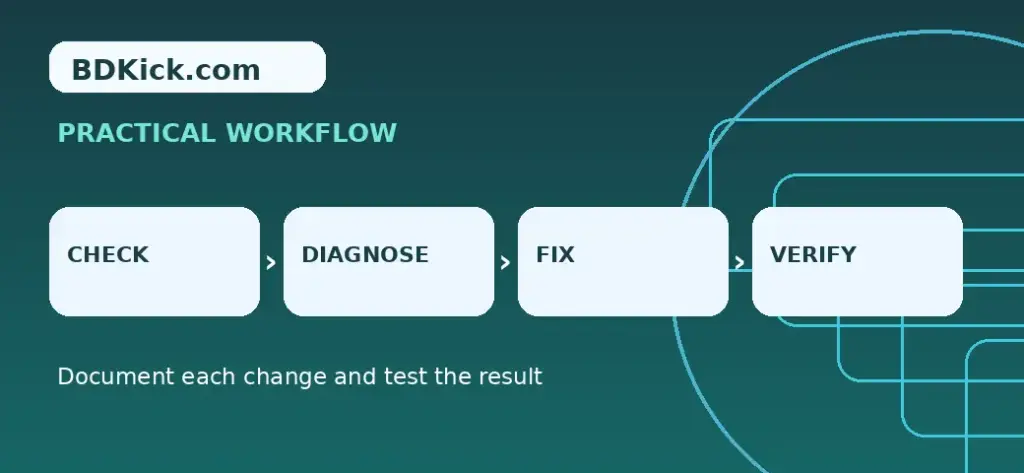
Check the output from the perspective of the person who will use it. Test the critical workflow, note what was changed and preserve enough evidence to reverse a failed update. For public-facing sites, repeat the check while logged out and on a mobile browser. For templates, verify totals, wording and payment or ownership terms before sharing.
Common mistakes to avoid
- Do not enable search indexing on a confidential staging site.
- Do not treat a green performance score as proof of correct functionality.
- Do not launch without a rollback plan.
Related BDKick tutorials
For the next step, see WordPress Client Handover Checklist: What to Deliver After Launch, Website Maintenance Report Template for Clients (Monthly Example). These pages are part of the same article batch; publish the linked posts before promoting this page.
Frequently asked questions
Is a PDF checklist enough to launch?
A checklist organizes testing; the actual tests must still be performed on the live or staging environment.
Should I turn off maintenance mode first?
Yes, once you are ready and have tested access as a logged-out visitor.
When should I test emails?
Before DNS cutover when possible and again after the live domain and sending settings are active.
Do I need a rollback plan?
Yes. Keep a recent backup and a clear owner for restoring the previous state.
Final checklist
Confirm the instructions match your specific environment, save a backup or clean document copy, test the main outcome and record any remaining risks. If you are publishing technical guidance, revisit it after major product updates.
Frequently Asked Questions
Is a PDF checklist enough to launch?
A checklist organizes testing; the actual tests must still be performed on the live or staging environment.
Should I turn off maintenance mode first?
Yes, once you are ready and have tested access as a logged-out visitor.
When should I test emails?
Before DNS cutover when possible and again after the live domain and sending settings are active.
Do I need a rollback plan?
Yes. Keep a recent backup and a clear owner for restoring the previous state.